🕣 Estimated Reading Time: 8 minutes
If you’ve been grinding through video tutorials and still feel like you can’t actually do anything, you’re not alone. Tutorial hell is real, and it’s the single biggest reason aspiring cybersecurity professionals stall before they ever land a job.
The fix isn’t another course. It’s hands-on practice in a safe, legal environment where you can break things, defend things, and build the muscle memory that hiring managers actually care about.
Hands-on cybersecurity labs are the fastest path to job-ready skills. They put you face-to-face with real attack and defense scenarios, simulate the messiness of production environments, and let you fail without any legal or ethical risk. Whether you’re aiming for a SOC analyst seat, a penetration testing role, or any of the entry-level cybersecurity jobs on the market today, lab time is what separates “I watched a video about it” from “I can show you how I solved it.”
By the end of this guide, you’ll know exactly which platform to use based on your skill level, your goals, and your budget.
| Platform | Skill Level | Focus Area | Free Tier | Pricing |
|---|---|---|---|---|
| TryHackMe Best for beginners | Beginner – Intermediate | Mixed (Red/Blue) | Yes | ~$16.99/mo ~$126/yr |
| Hack The Box Realistic pentesting | Intermediate – Advanced | Red Team | Limited | ~$25/mo ~$223/yr (VIP+) |
| PortSwigger Academy Web security depth | Beginner – Advanced | Web | 100% Free | Free |
| OverTheWire Linux fundamentals | Beginner | Foundations | 100% Free | Free |
| picoCTF Gamified learning | Beginner | Mixed (CTF) | 100% Free | Free |
| VulnHub Offline practice | Intermediate | Red Team | 100% Free | Free |
| CyberDefenders Blue team skills | Intermediate – Advanced | Blue Team | Yes | ~$20/mo yearly = 2 months free |
| Root Me Multi-domain practice | Beginner – Advanced | Mixed | Yes | ~€10/mo (~$11) €5/mo students |
| RangeForce Enterprise training | Intermediate – Advanced | Mixed | Community Edition | Custom (contact sales) |
Prices are approximate, in USD, and subject to change. Always verify current pricing on each platform’s official site before purchasing.
Top Hands-On Cybersecurity Labs & Practice Platforms
1. TryHackMe — Best for Beginners
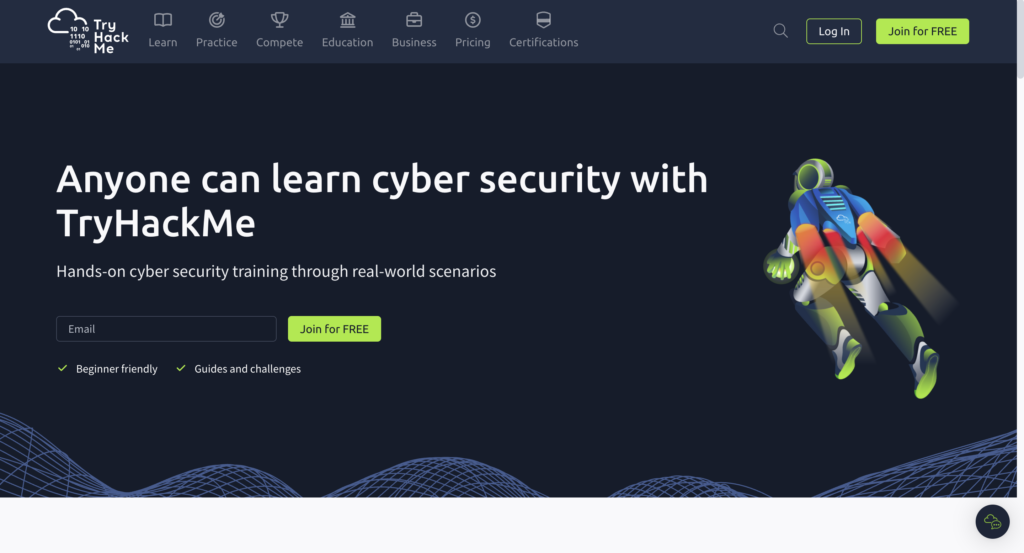
Pricing: Free tier available. Premium runs approximately $16.99/month billed monthly, or about $126/year (~$10.50/month) billed annually. Students with a verified .edu (or equivalent) email can get roughly 20% off annual plans.
If you’re brand new to cybersecurity, TryHackMe is the most painless way to start. The platform organizes its content into “rooms,” each tackling a specific topic with guided walkthroughs, in-browser virtual machines, and built-in hints. You don’t need to download anything, configure a hypervisor, or wrestle with VPN setups on day one. Open a browser, click connect, and you’re in a working lab.
The learning paths are what make TryHackMe shine. Tracks like “Pre-Security,” “Cyber Security 101,” and “Jr. Penetration Tester” walk you through Linux basics, networking fundamentals, web exploitation, and offensive tooling in a sensible order. There are also blue team paths covering SIEM analysis, threat hunting, and digital forensics, so you’re not boxed into red team thinking from the start.
The free tier is generous enough to get a real feel for the platform, but the paid Premium subscription unlocks the full library of 900+ rooms, unlimited Attack Box (the in-browser Kali Linux environment), faster servers, private OpenVPN access, and the structured paths most beginners actually need. If you’re seriously trying to figure out how to get into cyber security, this is where most successful learners begin.
Best for: Absolute beginners through early intermediate learners.
2. Hack The Box — Best for Realistic Pentesting
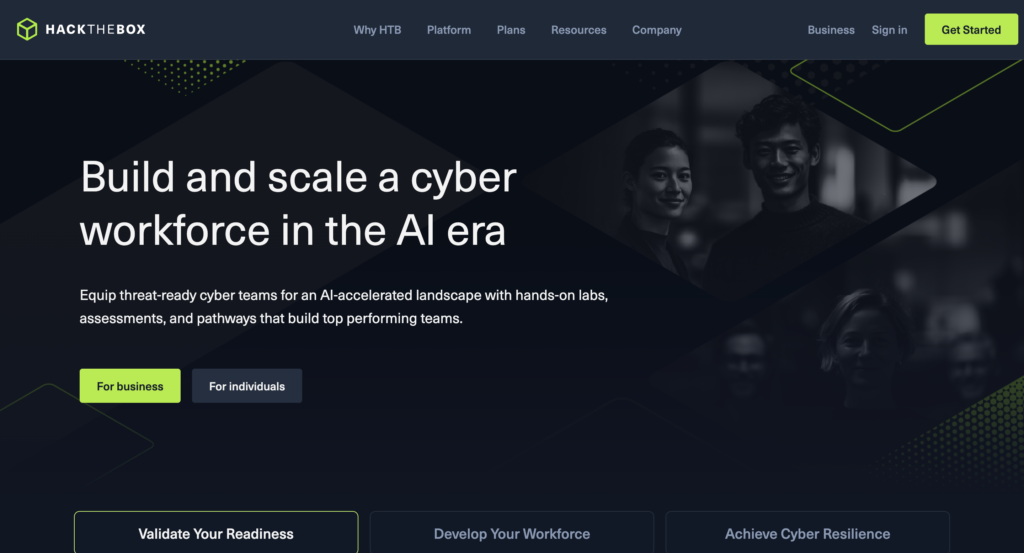
Pricing: Free tier available with limited content. The current paid plan, VIP+, runs approximately $25/month monthly, or $223/year when billed annually (a savings of ~25%). HTB Academy modules and Pro Labs are billed separately. Pro Labs cost roughly $49/month or $490/year per lab. Student discounts are available on request through HTB’s support team.
Where TryHackMe holds your hand, Hack The Box (HTB) hands you a black-box machine and says “have at it.” That shift in difficulty is exactly the point. Real penetration testing engagements don’t come with hint buttons, and HTB trains you to think like an attacker who has nothing but an IP address and a goal.
The platform offers active and retired machines spanning Linux, Windows, and Active Directory environments, plus Pro Labs that simulate full corporate networks with multiple machines, pivot points, and realistic misconfigurations. HTB Academy adds a more structured, course-based layer for learners who want guided modules on topics like Active Directory exploitation, web attacks, and binary exploitation.
HTB carries serious weight in hiring pipelines. Recruiters and technical interviewers recognize the platform, and being able to point to completed boxes or a Pro Lab on your resume signals practical capability in a way certifications alone don’t. If your target role involves offensive security, HTB is non-negotiable lab time.
Best for: Intermediate to advanced learners building penetration testing skills.
3. PortSwigger Web Security Academy — Best for Web Security
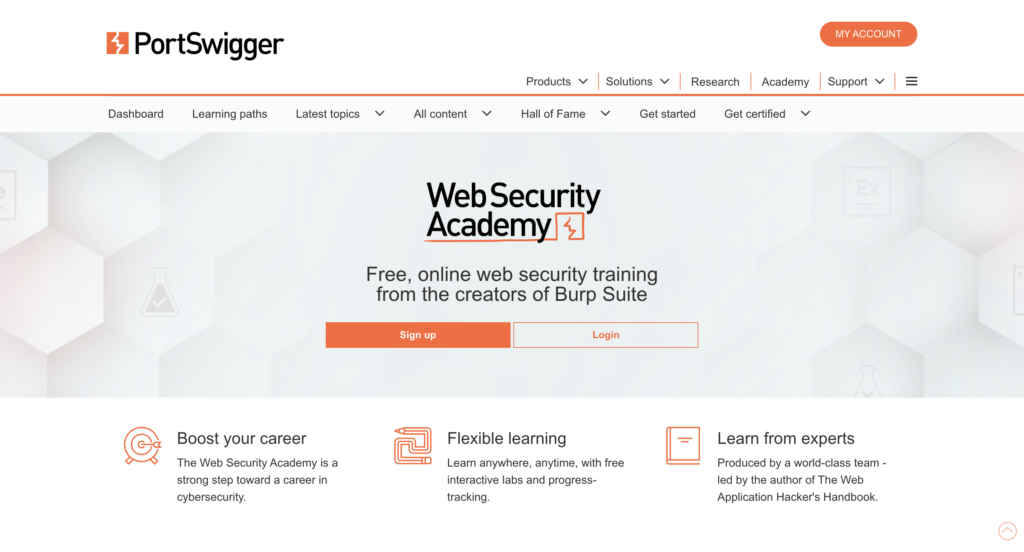
Pricing: 100% free. No paywalls, no premium tier, no time limits. (Burp Suite Professional, the optional companion tool, is licensed separately at around $475/year per user, but it’s not required to complete the labs.)
PortSwigger’s Web Security Academy is, dollar for dollar, the most ridiculous deal in cybersecurity training. It is genuinely free, and it is built by the team behind Burp Suite, the industry-standard web application testing tool.
The labs go deep on the OWASP Top 10 and well beyond. You’ll work through SQL injection, cross-site scripting, server-side request forgery, JWT attacks, prototype pollution, OAuth flaws, GraphQL vulnerabilities, and dozens of other categories, with each lab focused on one specific bug class. Reading material accompanies every topic, so you’re not just guessing your way through challenges.
If your career interests lean toward bug bounty hunting, application security, or web pentesting, this is the single most efficient resource on the internet. Pair it with hands-on Burp Suite practice and you’re building exactly the skill set that web-focused roles ask for.
Best for: Web application security learners and aspiring bug bounty hunters.
4. OverTheWire — Best for Linux & Fundamentals
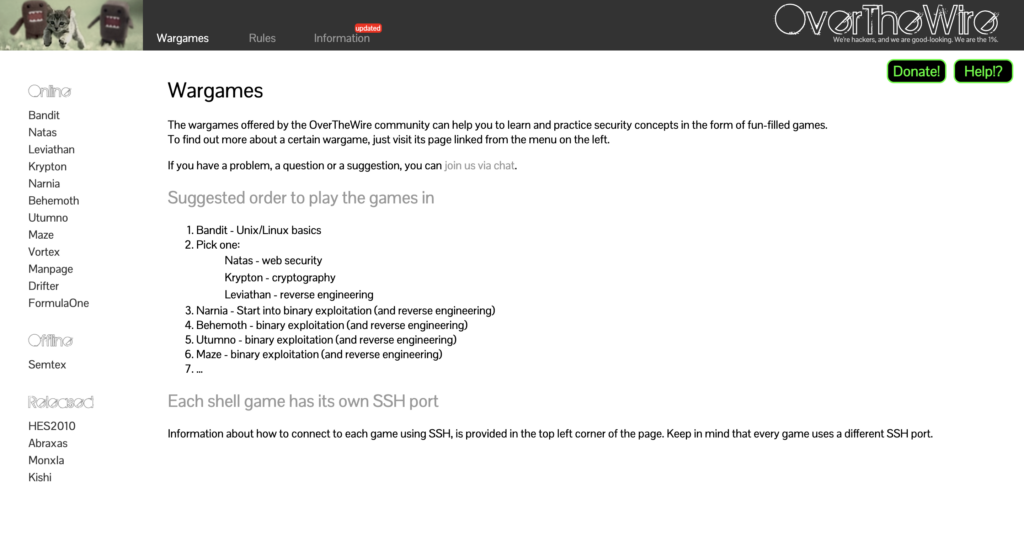
Pricing: 100% free. Hosted as a community project. No accounts, no paywalls, no subscriptions.
OverTheWire is old-school in the best way. It strips cybersecurity learning down to its raw, terminal-based core. You SSH into a server, drop into a shell, and solve puzzles by stringing together Linux commands. No GUI, no hand-holding, no flashy interface. Just you and a command prompt.
The “Bandit” wargame is the canonical starting point. It walks you through 30+ levels of progressively trickier Linux challenges, teaching commands like find, grep, sed, awk, nc, ssh, and curl in context. By the time you finish, you’ll have a working command-line fluency that paid training programs charge thousands to deliver. Once Bandit is done, the “Natas” (web), “Leviathan,” and “Krypton” wargames extend the same approach into other domains.
It’s completely free, runs forever, and quietly produces some of the most capable junior cybersecurity practitioners around. Skip it at your peril.
Best for: Beginners building Linux fluency and core problem-solving skills.
5. picoCTF — Best for Gamified Learning
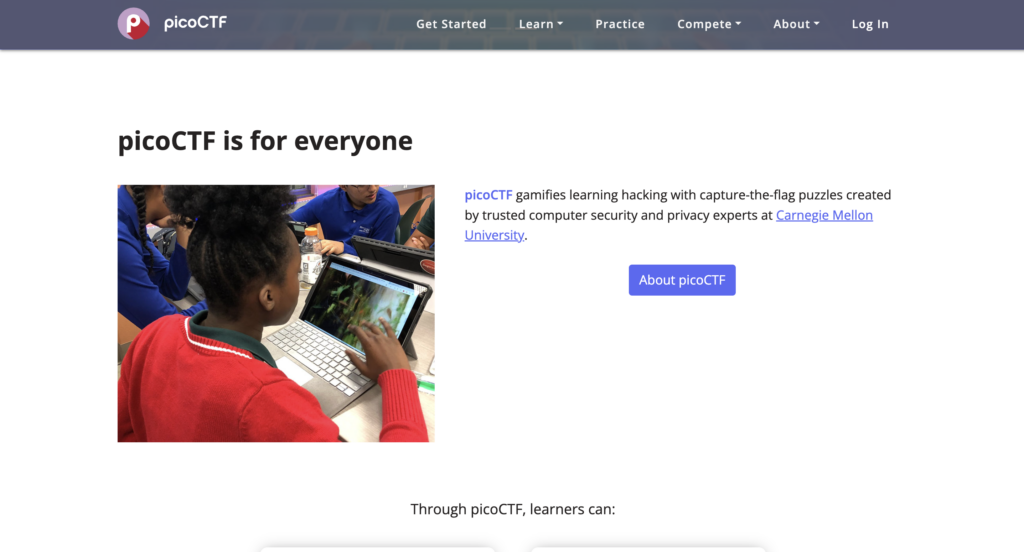
Pricing: 100% free. Funded by Carnegie Mellon University and various sponsors. Account creation is free, and all challenges in the picoGym practice arena are accessible at no cost.
Run by Carnegie Mellon University, picoCTF is a free Capture-the-Flag platform aimed at students and beginners. The format is simple: each challenge hides a “flag” (a unique string), and your job is to use cybersecurity techniques to recover it. Solve a challenge, claim the points, climb the leaderboard.
The challenge categories cover cryptography, web exploitation, binary exploitation, reverse engineering, forensics, and general skills. Difficulty ranges from genuinely beginner-friendly to legitimately tough, so the platform grows with you. The annual picoCTF competition draws tens of thousands of participants worldwide, but the year-round practice arena (picoGym) is where most of the day-to-day learning happens.
Gamification matters more than people admit. If you’ve ever tried to slog through a textbook and bounced off, the dopamine hit of solving a puzzle and watching your score tick up will keep you coming back when willpower alone wouldn’t.
Best for: Students and beginners who learn best through gamified, puzzle-style challenges.
6. VulnHub — Best for Offline Practice
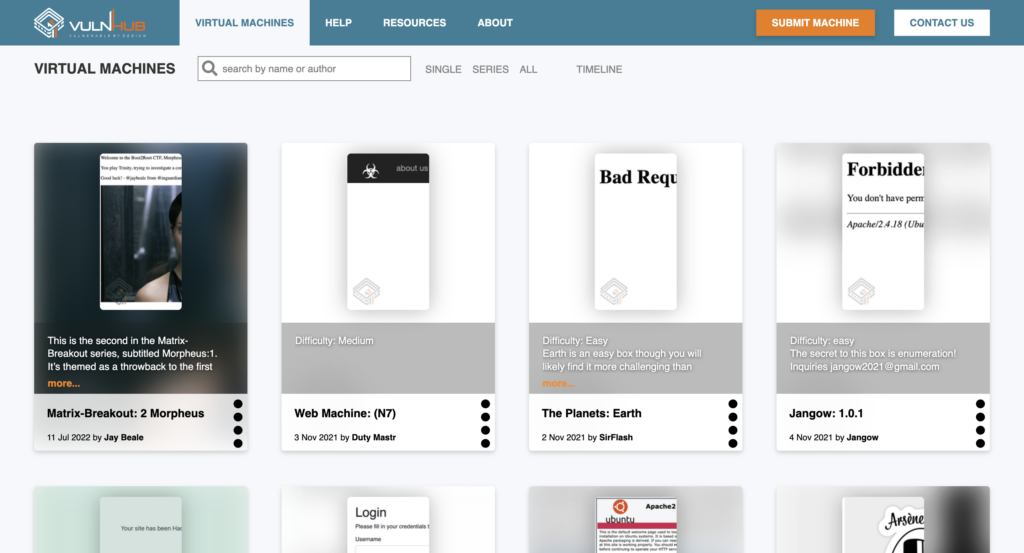
Pricing: 100% free. All virtual machine images are available as free downloads. The only “cost” is your local hardware (RAM, disk space) and a free copy of VirtualBox or VMware Workstation Player.
VulnHub takes a fundamentally different approach from the cloud-based platforms above. Instead of giving you access to remote machines, VulnHub hosts a massive library of intentionally vulnerable virtual machines that you download and run locally on VirtualBox or VMware.
This matters for two reasons. First, you build the full pentest lifecycle skill set, not just the exploitation phase. You set up the lab network, configure the target, scan it from your attacker box, exploit it, and clean up. Second, you’re not dependent on an internet connection or a subscription. Once you’ve downloaded a VM, it’s yours to attack at 2 AM offline if that’s when inspiration strikes.
The community has been releasing VMs for over a decade, so there’s content for every skill level and every interest, from beginner-friendly “boot2root” boxes to nightmare-difficulty challenges built specifically for OSCP-style preparation. Many of the classic VulnHub machines, like the Kioptrix and DC series, are still considered required reading for aspiring pentesters.
Best for: Self-directed learners who want full control over their lab environment.
7. CyberDefenders — Best for Blue Team Skills
Pricing: Free tier with a one-time 5 hours of trial lab access plus access to free retired challenges. BlueYard Pro (the premium subscription) runs approximately $20/month when billed monthly, with the annual plan including two months free (effectively ~$200/year). Students with a verified educational email get a 50% discount on both monthly and yearly BlueYard Pro plans, and on the CCDL1 certification course.
Most labs and CTFs lean heavily red team. CyberDefenders deliberately flips that. The platform focuses on blue team workflows: SOC analysis, digital forensics and incident response (DFIR), malware analysis, threat hunting, and log investigation.
A typical CyberDefenders challenge gives you a realistic incident artifact, like a packet capture, a memory dump, a disk image, or a set of Windows event logs, and asks investigative questions you’d answer on the job. “What was the C2 domain?” “What time did the attacker first authenticate?” “Which file was exfiltrated?” You work through the artifact using tools like Wireshark, Volatility, Autopsy, and Splunk, and submit answers as you go.
For anyone targeting a SOC analyst role or considering a career as a cybersecurity analyst, this is some of the most directly job-relevant practice you can do. The skills you build here map cleanly onto the daily reality of working in a security operations center.
Best for: Aspiring SOC analysts, incident responders, and digital forensics practitioners.
8. Root Me — Best Free Challenge Library
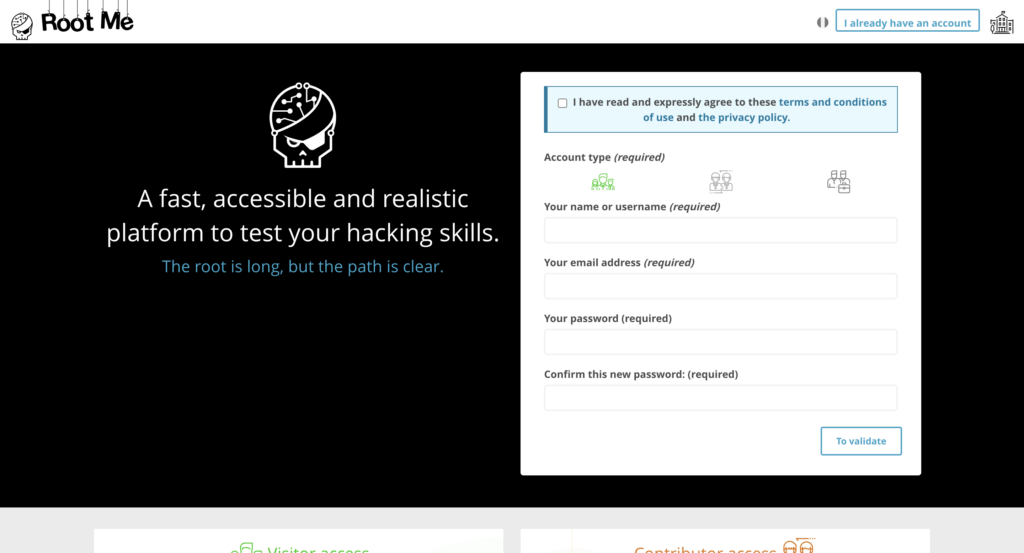
Pricing: Free tier covers the bulk of the 400+ challenges. A Premium subscription runs approximately €10/month (~$11 USD), with a discounted €5/month rate for students. Premium unlocks access to advanced challenges, dedicated CTF environments, and CTF All The Day events.
Root Me is a French-built platform with English language support that hosts one of the largest free challenge libraries in the world. Last count is north of 400 challenges across web, cryptography, steganography, reverse engineering, network analysis, forensics, and more.
The platform is structured for breadth. If you’ve been laser-focused on one domain and want to broaden your exposure, Root Me’s catalog forces you to encounter problem types you might never see elsewhere. The community ranking system also gives you a sense of how a challenge compares in difficulty to others you’ve already cleared, which helps with self-assessment.
The free tier is the meat of what Root Me offers. The Premium subscription and dedicated server access add extra value for serious learners, but the core challenge library alone justifies bookmarking the site.
Best for: Learners who want a wide-ranging practice library across multiple cybersecurity domains.
9. RangeForce — Best for Enterprise-Style Training
Pricing: Individual pricing is not publicly listed. RangeForce is sold primarily as a B2B product with custom enterprise quotes based on team size and feature set. A free Community Edition / Free Solo Labs is available for individuals and offers ~20+ hands-on modules at no cost. Anything beyond that requires contacting RangeForce sales for a quote.
RangeForce is built for organizations rather than individuals, but it’s worth knowing about because it represents what enterprise cybersecurity training actually looks like in 2026. The platform offers an interactive cyber range with role-based learning paths for SOC analysts, threat hunters, incident responders, security engineers, and DevSecOps practitioners.
What sets RangeForce apart is the realism of its environments. Rather than isolated single-skill challenges, RangeForce simulates full enterprise infrastructures, complete with SIEM platforms, EDR tooling, and the kind of alert noise you’d actually encounter in production. Team-based exercises let entire SOCs train together against simulated adversaries, which is something individual platforms simply can’t replicate.
For solo learners, RangeForce isn’t usually a starting point. But the free Community Edition is a worthwhile sample of the platform, and if your employer offers full access, or if you’re in a bootcamp that includes RangeForce, it’s the closest thing to “doing the actual job” that lab-based training has produced.
Best for: Working professionals and teams pursuing structured, role-based training.
Best Platforms by Use Case
Best for Beginners
If you’re just starting out, the combination of TryHackMe (guided rooms and learning paths), picoCTF (gamified challenges), and OverTheWire (Linux fluency) will take you from zero to genuinely competent in three to six months of consistent practice.
Best for Pentesting
For offensive security, Hack The Box and VulnHub are the foundational pair. HTB gives you cloud-hosted realism, and VulnHub builds the full lab-setup-to-cleanup workflow that real engagements demand.
Best for Web Security
PortSwigger Web Security Academy stands alone here. Nothing else in the free tier comes close for depth on web application vulnerabilities and modern bug classes.
Best for Blue Team
CyberDefenders is the lead pick for individual learners, with RangeForce as the gold standard if you have enterprise access. Both build the analytical mindset that defensive roles demand.
How to Choose the Right Cybersecurity Lab
Q: Which platform should I start with?
Start with TryHackMe. The guided structure, in-browser labs, and beginner paths solve every “I don’t know what to do next” problem that derails new learners. Once you’ve completed the Pre-Security and Cyber Security 101 paths, graduate to Hack The Box for more realistic challenges.
Q: Are free labs enough to learn cybersecurity?
Yes, surprisingly so. A motivated learner can get genuinely far on a $0 budget by combining PortSwigger Web Security Academy, OverTheWire, picoCTF, VulnHub, and the free tiers of TryHackMe and Hack The Box. The catch is structure. Free resources are scattered, and the discipline to sequence them yourself is the price of admission.
Q: How do I become job-ready?
Build a deliberate progression. Start with fundamentals on OverTheWire and TryHackMe’s beginner paths. Move to skill-specific work on PortSwigger and picoCTF. Then graduate to real-world machines on Hack The Box and VulnHub. Throughout, document everything you do (more on that below). Pair this with a recognized certification, and you’ll have the resume profile that hiring managers respond to. Our beginner cybersecurity certification guide for 2026 breaks down which credential pairs best with hands-on practice.
Q: Free or paid? Which should I pick?
Free first. Always. Spend three months on free platforms before paying for anything. By month three, you’ll know exactly which platform’s paid tier is worth your money based on where you’re actually getting stuck. Most beginners who pay early end up with subscriptions to platforms they never log into. When you do pay, prefer annual billing on the one platform you actually use most. The savings versus monthly billing typically run 20–25%, and locking in pricing protects you from mid-year increases.
Recommended Learning Path
Here’s a four-phase progression that takes you from “I just decided to try cybersecurity” to “I’m interviewing for SOC analyst roles.”
Phase 1: Foundations (Months 1–2)
- OverTheWire Bandit wargame (Linux command-line fluency)
- TryHackMe Pre-Security and Cyber Security 101 paths
Phase 2: Skill Building (Months 2–4)
- PortSwigger Web Security Academy (web vulnerabilities)
- picoCTF picoGym (general challenge variety)
- Continue TryHackMe role-specific paths
Phase 3: Real-World Practice (Months 4–6)
- Hack The Box easy and medium retired machines
- VulnHub classic VMs (Kioptrix, DC series)
- Start documenting writeups publicly
Phase 4: Specialization (Month 6+)
- Blue Team track: CyberDefenders, plus Splunk and SIEM-focused TryHackMe rooms
- Red Team track: HTB Pro Labs, OSCP-style VulnHub VMs
- Enterprise track: RangeForce if accessible
This sequence aligns directly with what entry-level employers screen for, which we cover in detail in our breakdown of what entry-level cybersecurity job descriptions are really saying.
Pro Tips to Maximize Hands-On Learning
Document everything as you go. A GitHub repo of writeups is one of the strongest resume signals an aspiring cybersecurity professional can build. Every box you root, every CTF you finish, every PortSwigger lab you complete: write it up. Explain the vulnerability, the exploitation steps, and the remediation. You’ll cement your own learning, and you’ll have a portfolio that proves you can do the work.
Repeat labs until the muscle memory forms. Solving a box once is learning. Solving it five times until you can do it from memory is competence. Don’t be embarrassed about redoing easy machines. That’s how reflexes get built.
Focus on one domain before jumping. Six weeks of deep web security work beats six weeks of jumping between web, forensics, malware analysis, and Active Directory. Pick a lane, master the basics, then branch out.
Use student discounts if you qualify. Most major platforms (TryHackMe, Hack The Box, CyberDefenders, Root Me) offer 20–50% off for verified students. If you have an active .edu email, register your accounts with it before paying full price. The savings stack up fast across a year of subscriptions.
Pair labs with structured practice tests. Hands-on skill is one half of the job-ready equation. The other half is being able to articulate what you know on a certification exam. Combine your lab time with focused practice testing using resources like our CompTIA Security+ practice tests by domains and subdomains and our free EC-Council CEH practice tests by domains and subdomains to round out both sides of your preparation.
Get comfortable with the language. Cybersecurity is acronym-dense, and labs often assume you know what RCE, LFI, SSRF, NTLM, and a hundred other terms mean. Keep our reference guide of 100+ cybersecurity acronyms bookmarked while you work.
Set a consistent schedule. Two focused hours a day, five days a week, beats ten-hour weekend marathons. The skills you’re building are pattern-recognition skills, and patterns form through repetition over time, not through sprinting.
Conclusion
Skills beat theory. Every time. The cybersecurity professionals getting hired in 2026 aren’t the ones who watched the most YouTube videos. They’re the ones who can sit at a keyboard, pop a box, analyze a memory dump, or trace an attacker’s lateral movement through Windows event logs.
Hands-on labs are how you build that capability, and the platforms covered in this guide give you every tool you need to do it, at every price point from completely free to enterprise-grade. The only thing left is to start.
Pick one platform today. Just one. Open your laptop, sign up, and complete a single room or challenge. Then come back tomorrow and do it again. That’s the entire formula.
Your future cybersecurity career is on the other side of the next lab session.
Building both real-world skills and certification readiness at the same time? Pair your hands-on lab sessions with industry-recognized cybersecurity certifications, and sharpen your prep with our free CompTIA Security+ practice tests by domain.